Six technologies. And the question of which one earns your money.
The wattage is printed on every box. What is not printed there: how long a material change takes, what the edge looks like after the cut, how much space the machine really needs once extraction is added, and whether you are allowed to run it in a retail space at all. That is what this page is about, and the demo appointment even more so.
Seven of them we demonstrate: touch them, set them up, run your material. They are not lined up in a showroom but spread across our two locations, four in the Regionalladen Gedern, three in the Hirzenhain workshop. Three more stand in Gedern without an appointment of their own: our discontinued F1 on slate, the Self-Service Kiosk on the counter — that one we are happy to show, the booking just goes on another machine — and, since recently, a test unit of the X1, which xTool has yet to ship. Each card tells you what applies. An appointment runs one hour and belongs to one machine.
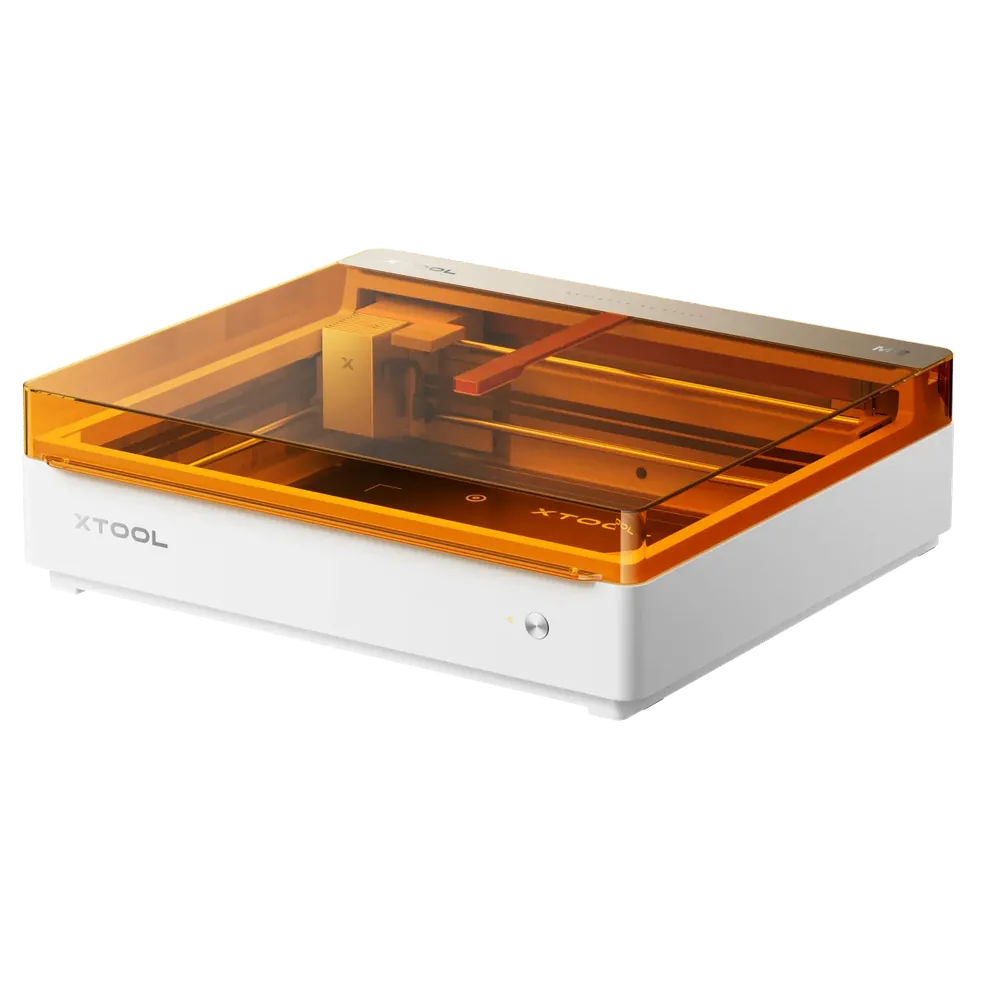
Engrave and print in colour without moving the workpiece.
Laser type
Diode, infrared optional
Power
10 – 20 W
Notable
Colour print module
Space required
Machine size
61 × 56.9 × 18 cm
Footprint in use
81 × 72 cm
Height with the lid open
53 cm
With extraction
0.88 m²
Flat enough for an ordinary shelf, but at 61 cm wide it fills a 60 cm deep worktop completely. The lid opens upwards and wants roughly 35 cm of clear air above it, otherwise it jams under the wall unit. Extraction needs its own space and fits under the table in most setups.
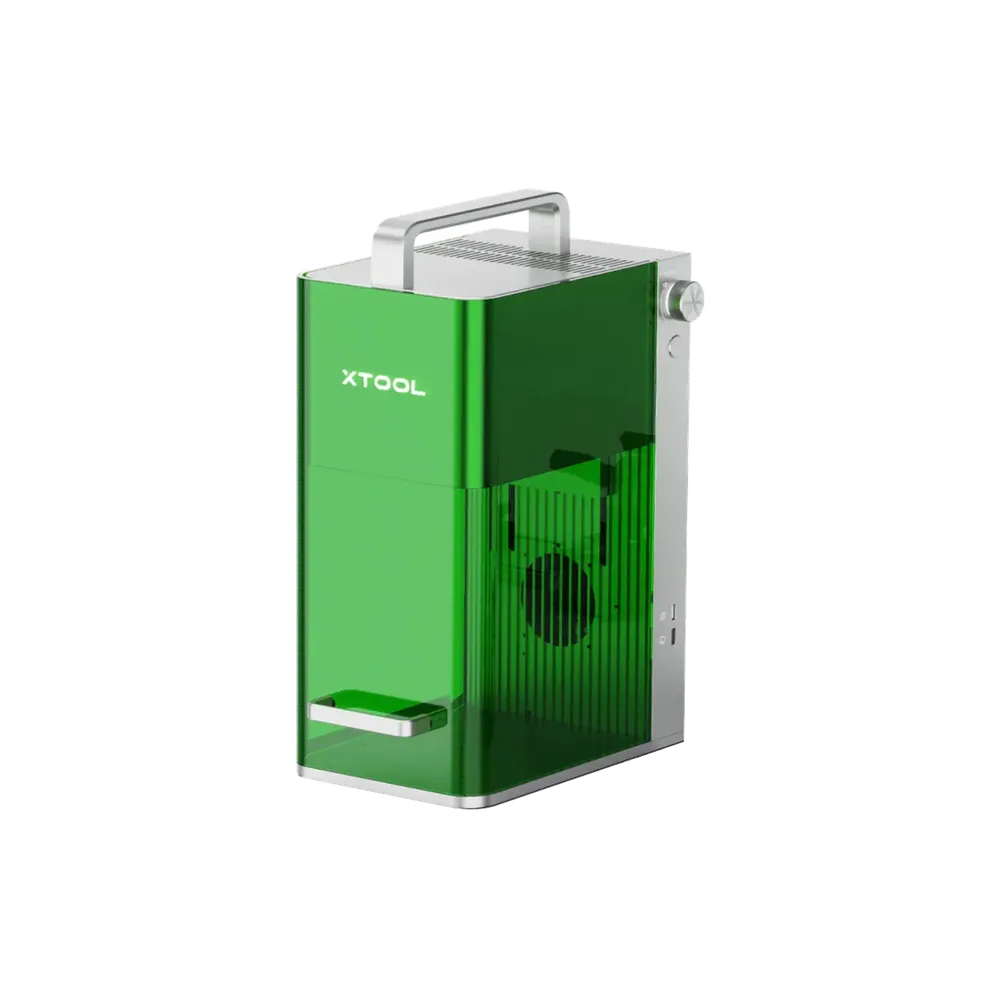
Our slate machine in Gedern, discontinued and not part of the demo programme.
Laser type
Diode + infrared
Power
10 W + 2 W
Optics
Galvo
Space required
Machine size
17.9 × 23.5 × 33.4 cm
Footprint in use
48 × 34 cm
Height with clearance above
43 cm
With extraction
0.45 m²
It fits on any counter. The space it needs does not come from the machine but from what sits next to it: blanks, jigs, extraction hose.
You saw a slate engraving in the shop and want to know what made it
Small parts and jewellery are your focus
You are weighing up used F1 offers against a current machine
Note It runs in Gedern but is no longer demonstrated. It marks our slate, and you cannot buy one new anyway. Its counterpart in the demo programme is the F2 in the Hirzenhain workshop, where you see the same galvo principle on a machine that still exists.
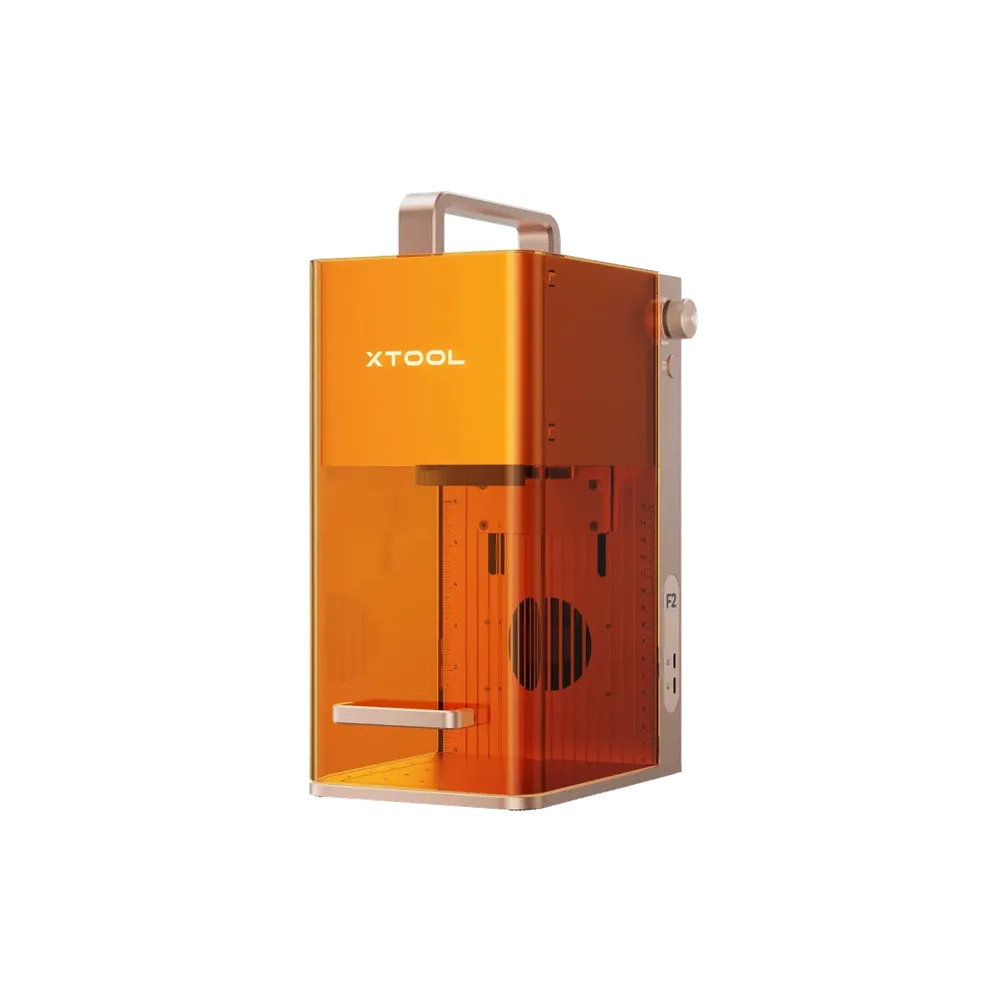
Small parts in seconds, the machine for the counter.
Laser type
Diode + infrared
Power
15 W + 5 W
Work area
11.5 × 11.5 cm, galvo
Space required
Machine size
17.5 × 23.7 × 33.4 cm
Footprint in use
48 × 34 cm
Height with clearance above
43 cm
With extraction
0.45 m²
The machine itself covers barely more than a sheet of A5. The honest part: the extraction unit next to it is bigger than the laser. Plan only for the machine size and you plan short. Add space for blanks and finished parts, otherwise you end up working in stacks at the counter.
Keyrings, jewellery and name badges are your business
The customer should watch and take the part away with them
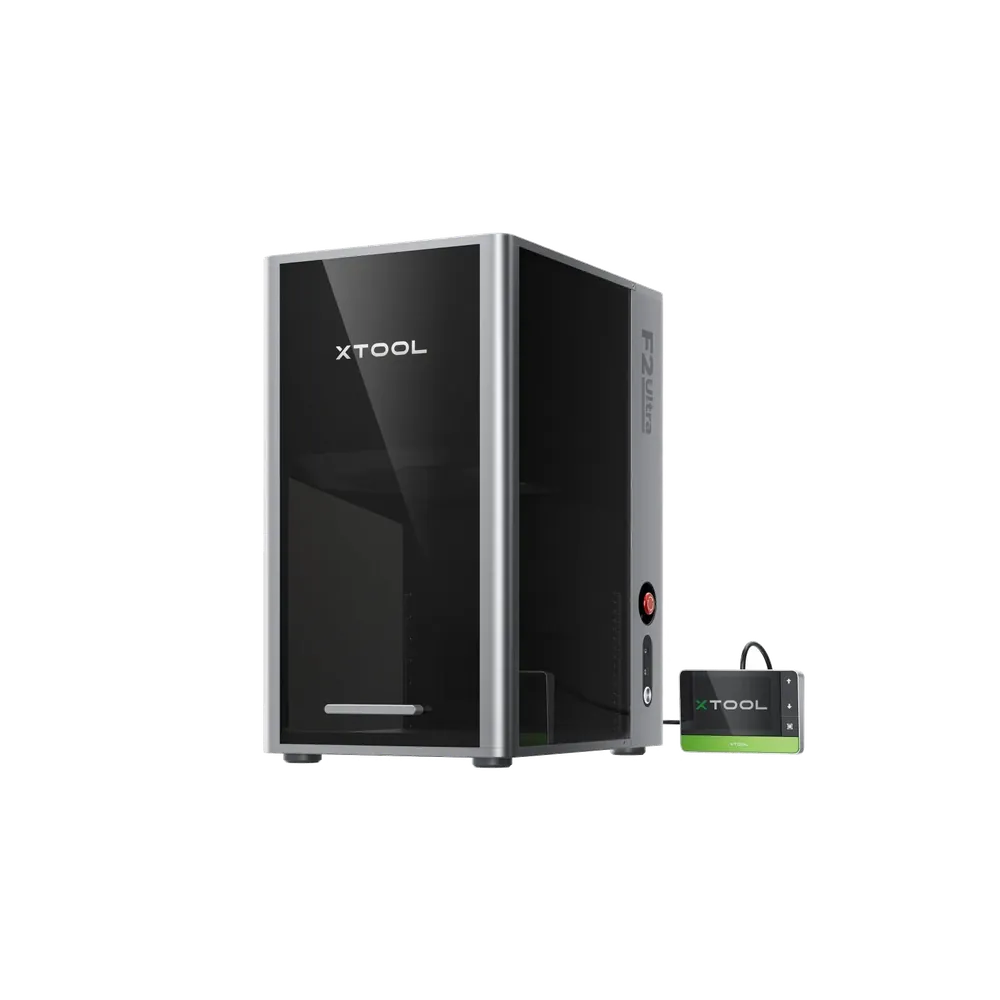
MOPA colour on stainless steel, and quick about it.
Laser type
MOPA fibre + diode
Power
60 W + 40 W
Work area
22 × 22 cm, galvo
Space required
Machine size
29.4 × 42.9 × 52.1 cm
Footprint in use
59 × 58 cm
Height with clearance above
62 cm
With extraction
0.64 m²
At a good 52 cm tall this is not a machine for a shelf. It needs an open worktop and a table that carries 21 kg without flexing. For the rotary axis and long workpieces, allow more side clearance than the figures here.
Colour marking on stainless steel is meant to set you apart
Identical housing to the F2 Ultra, so the same footprint and the same height. Since glass and ceramics end up on the table here, the space beside it matters more than with metal: fragile things do not want to be stacked.
Glass, crystal and ceramics are your main materials
Micro text and very fine detail are required
Discolouration or stress cracks would mean a complaint
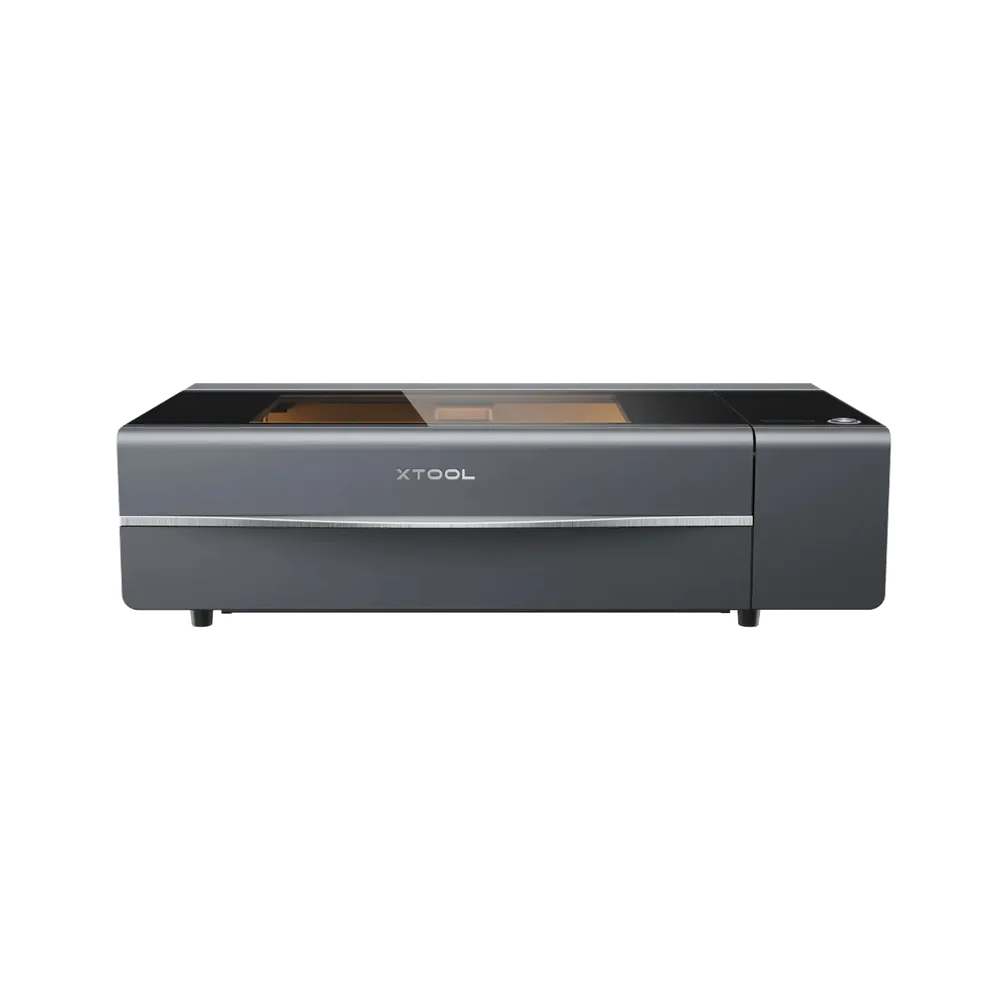
A metre wide, with a lid that swings up. This is where most setups fail: it will sit on an 80 cm table, but you can no longer reach the wall behind it. If you want to feed sheets in from the side, you need clear runway left and right as well. Add extraction, and put 45 kg on a table that can take it.
You regularly cut acrylic thicker than 3 mm
Edge quality is a selling point for you
One machine should cover as many materials as possible
Note What we demonstrate is the identical predecessor P2, which stands in the Hirzenhain workshop. For cut quality, format and handling it is a sound reference, and the differences to the current P2S are marginal. The price quoted is the P2S price.
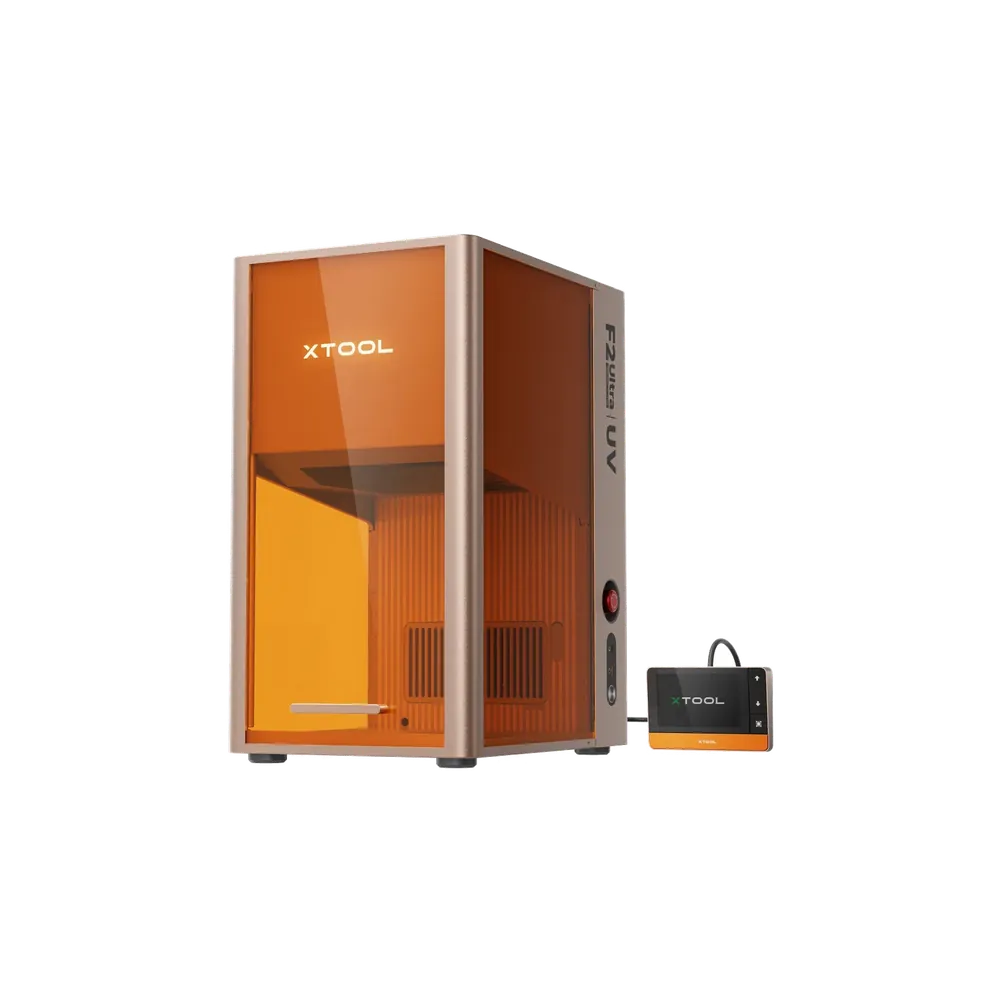
UV direct printing on objects: housings, signs, phone cases.
Process
UV direct printing
Materials
Glass, plastic, metal, wood
Colour
Full colour, white optional
Space required
Machine size
71.4 × 37.4 × 46.9 cm
Footprint in use
101 × 57 cm
Height with clearance above
67 cm
With extraction
0.87 m²
At 41 kg it belongs on a solid base, not a folding table. The print head wants a level, vibration-free stand, otherwise you see it in the print. Cleaning fluids, ink bags and maintenance kit need their own reachable spot next to it. Printing produces fumes too, so plan for filtration.
Printed objects and promotional items should join the range
Engraving is not enough for you creatively
You want to print a sample during the customer conversation
Note UV print sits on the object, not in it. For drinking vessels, tableware and anything that goes in the dishwasher or touches food we deliberately do not demonstrate it, because engraving is the durable answer there. Its strengths are housings, signs, cases and promotional items.
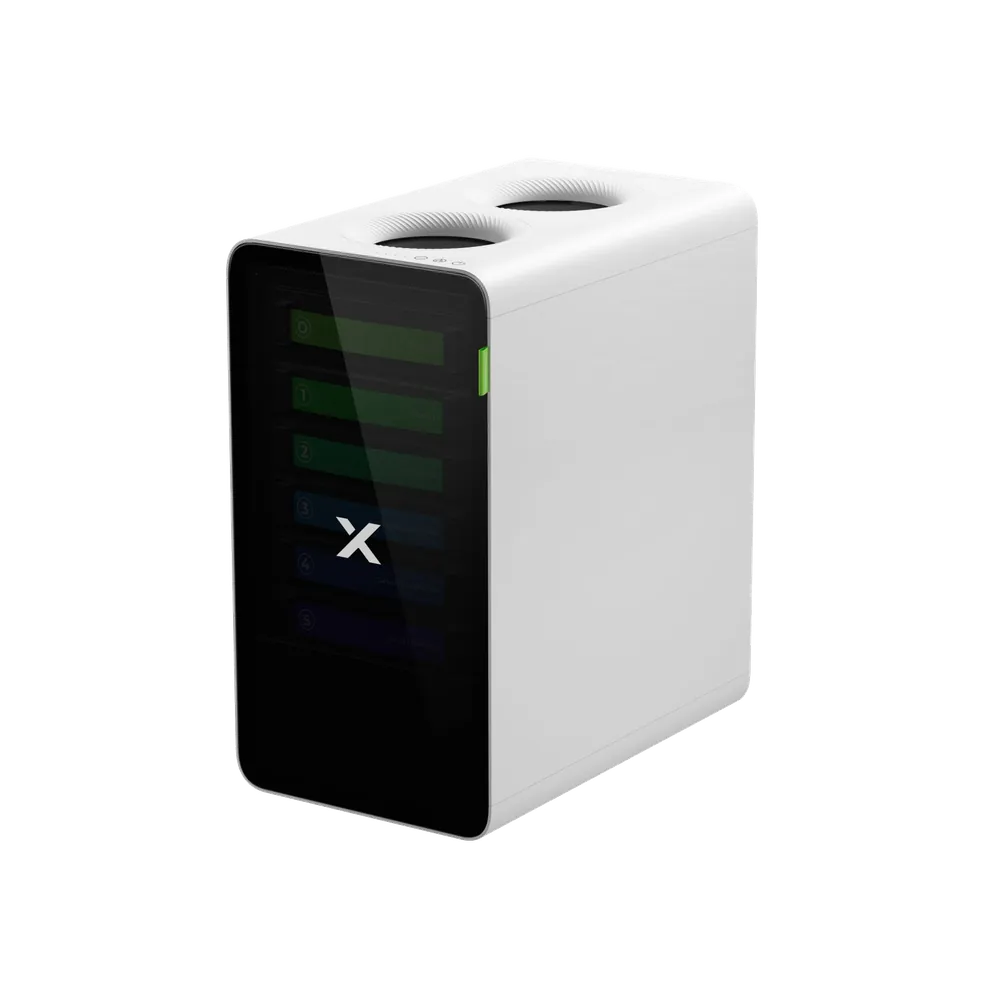
The extraction unit. Without one, no laser in a retail space is a good idea.
Function
Extraction & air cleaning
Filtration
Multi-stage, activated carbon included
Use case
Operation without an outside vent
Space required
Machine size
38 × 30.5 × 40.5 cm
Footprint in use
58 × 51 cm
Height with clearance above
51 cm
Weight
13 kg
In most setups it fits under the table, and that is where it belongs. Two things still get overlooked: the hose between machine and filter wants a soft curve rather than a kink, and a filter change has to be possible without moving furniture. It needs air behind it, otherwise it draws against the wall.
The customer designs it, your staff stays at the till.
Type
Desktop stand, touchscreen
Software
Customthings, licence required
Connection
Five machines directly, others via computer
Space required
Machine size
36 × 20 × 65 cm
Footprint in use
66 × 30 cm
Height with clearance above
80 cm
Weight
9 kg
Careful: the dimensions here are extrapolated, not measured — xTool publishes no external dimensions for this station. The shape is certain, our photo from Gedern shows it: an upright screen on a flat foot, standing directly on the counter — narrow, but tall. What matters more is certain too: the space belongs to the customer in front of it, not to the device. It needs a spot on the counter where someone can stand and type without being in the way, with somewhere to put the workpiece within reach. The laser itself stands next to it and brings its own footprint plus extraction.
Personalisation must not eat into your busiest hours
Customers should lay out and approve their own artwork
You want the approved state on record before anything is engraved
Note It stands in Gedern and we are happy to show it — you just cannot book it: the kiosk does not appear as a machine in the xTool demo system. So book the appointment on the machine you actually care about. In Gedern the station drives the O1 Omni and the F2 Ultra UV directly, so booking either of those shows you the whole chain from screen to finished part. Mention the station when you book.
Cutting, engraving, metal marking — one enclosure, five sources.
Type
CO₂ + diode, fibre, MOPA and UV modules
Power
55 W CO₂ + 20 W diode
Notable
Galvo and gantry in one machine
Space required
Machine size
105 × 70 × 40 cm
Footprint in use
145 × 95 cm
Height with the lid open
85 cm
With extraction
1.67 m²
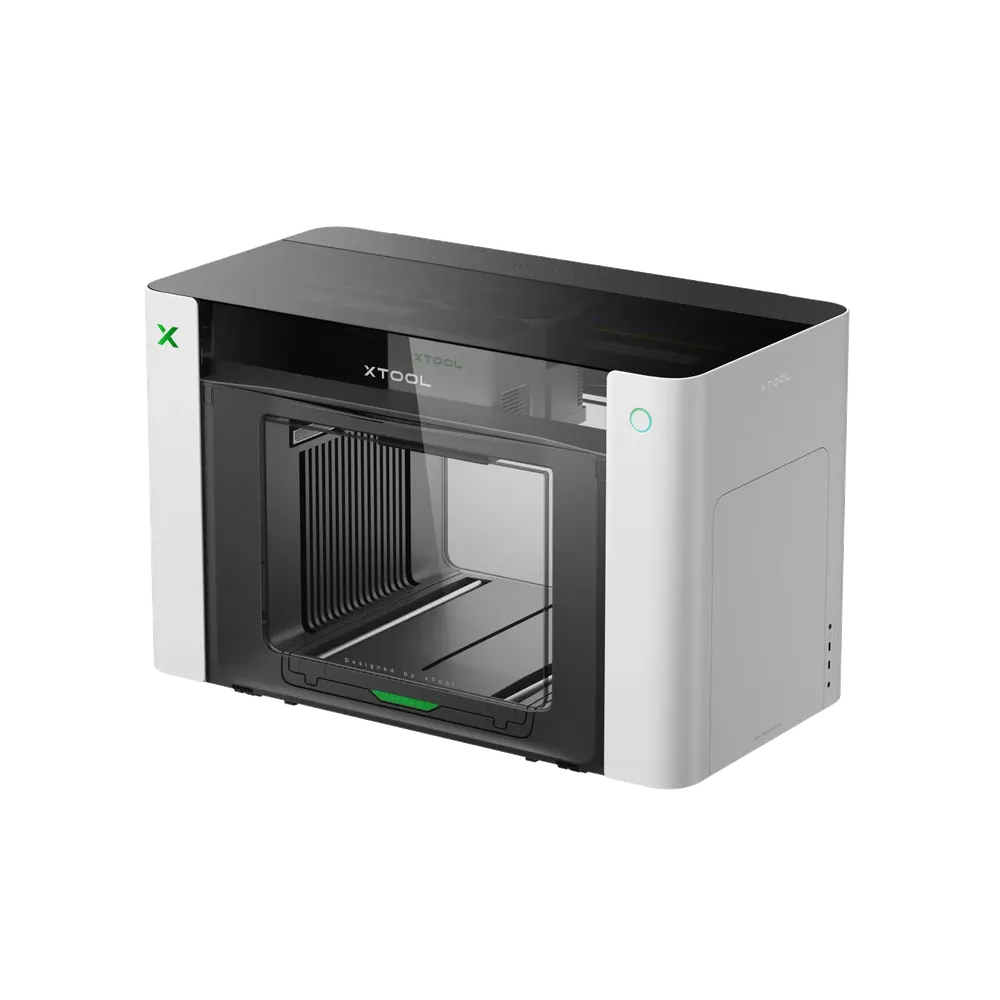
Careful: the dimensions here are extrapolated, not measured — xTool publishes neither external dimensions nor a work area for the X1 so far. They are extrapolated against our P2S, which has the same shape; the X1 is noticeably taller and somewhat wider. The weight is documented: 65 kg, and that does not belong on a folding table. Our test unit sits on the xTool rolling stand, which is not a matter of looks: at this mass, a base that carries the machine and still moves is part of the purchase. Extraction on top of that, which CO₂ cutting requires anyway. If you are planning the space now, plan generously — the dependable figures will follow.
You want to cut and mark metal without standing up two machines
Your range of materials is growing faster than your floor space
You are planning for next year, not for next week
Note We have a test unit in Gedern, and you cannot book it: the X1 does not exist in the xTool demo system yet, and it is not on sale yet either. What it is meant to replace you can already put your hands on — CO₂ cutting on the P2 in the Hirzenhain workshop, galvo engraving on the F2 Ultra in Gedern. Book either of those and say the X1 is what you are curious about; it will be standing next to you when you come.
The product images come from xTool. How the machines really stand here, with extraction hose, workshop light and the odd scuff, is what you see at a demo appointment.
Placing them
Which process for what.
The most common bad purchase does not happen at the budget, it happens one level earlier, at the technology. A diode laser will never mark stainless steel, however many watts are printed on it.
Entry level & everyday
Diode lasers
1 on site
The pragmatic start. Engraving and cutting wood, leather, acrylic and paper, at a purchase price that adds up with a modest order book. For most shops and workshops this is the first machine.
Permanent marking on metal in black, white or colour. Galvo optics mean seconds per part instead of minutes. This is the category where batch production starts to pay. The F1 and F2 use an infrared laser, the F1 Ultra and F2 Ultra fibre and MOPA respectively. All four carry a diode laser as well and therefore also engrave wood, leather and acrylic; the MetalFab does not — it welds and cuts.
Not everything wants to be engraved. UV direct printing for objects and DTF transfer for textiles cover everything that needs full colour: housings, signs, packaging, team shirts, merchandise. Anything destined for the dishwasher or for contact with food is explicitly not part of that.
The line item that quietly disappears when quotes get compared, and the one that decides whether you are allowed to run the machine in a retail space at all. That means extraction, and in a shop it also means the terminal your customers design at.
Data sheets give you the machine size. In daily use you also need what stays clear beside it, behind it and above it, and in almost every case an extraction unit. The outlines below are all drawn at the same scale, so the size difference becomes visible instead of merely calculable.
Footprint in use means the machine plus the clearance it genuinely needs: to the sides for setting parts down, behind it for hose and cable, above it for a lid or servicing. We add nothing at the front, that is where you stand. The machine dimensions come from xTool, the clearance is our own estimate from running these machines.
Every drawing at the same scale
xTool F2
xTool F1
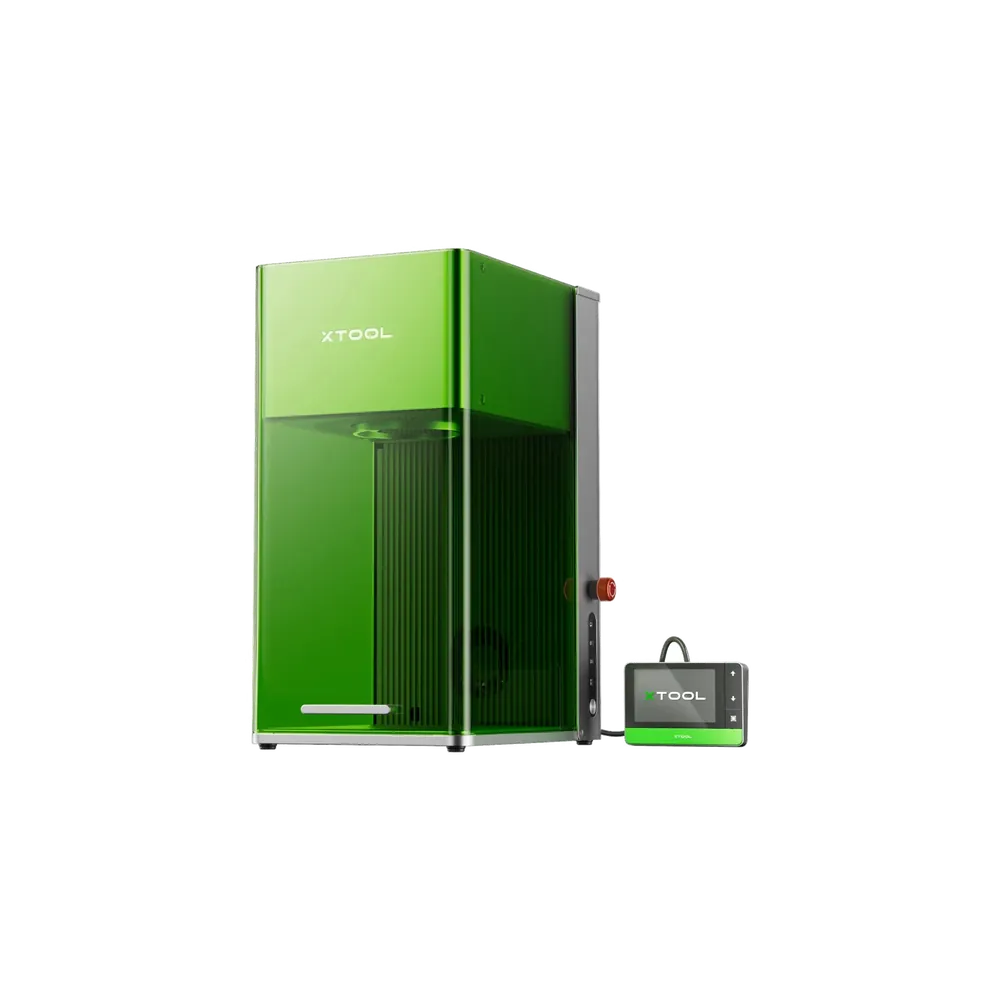
xTool Self-Service Kiosk
xTool F1 Ultra
xTool SafetyPro AP2
xTool F2 Ultra
xTool F2 Ultra UV
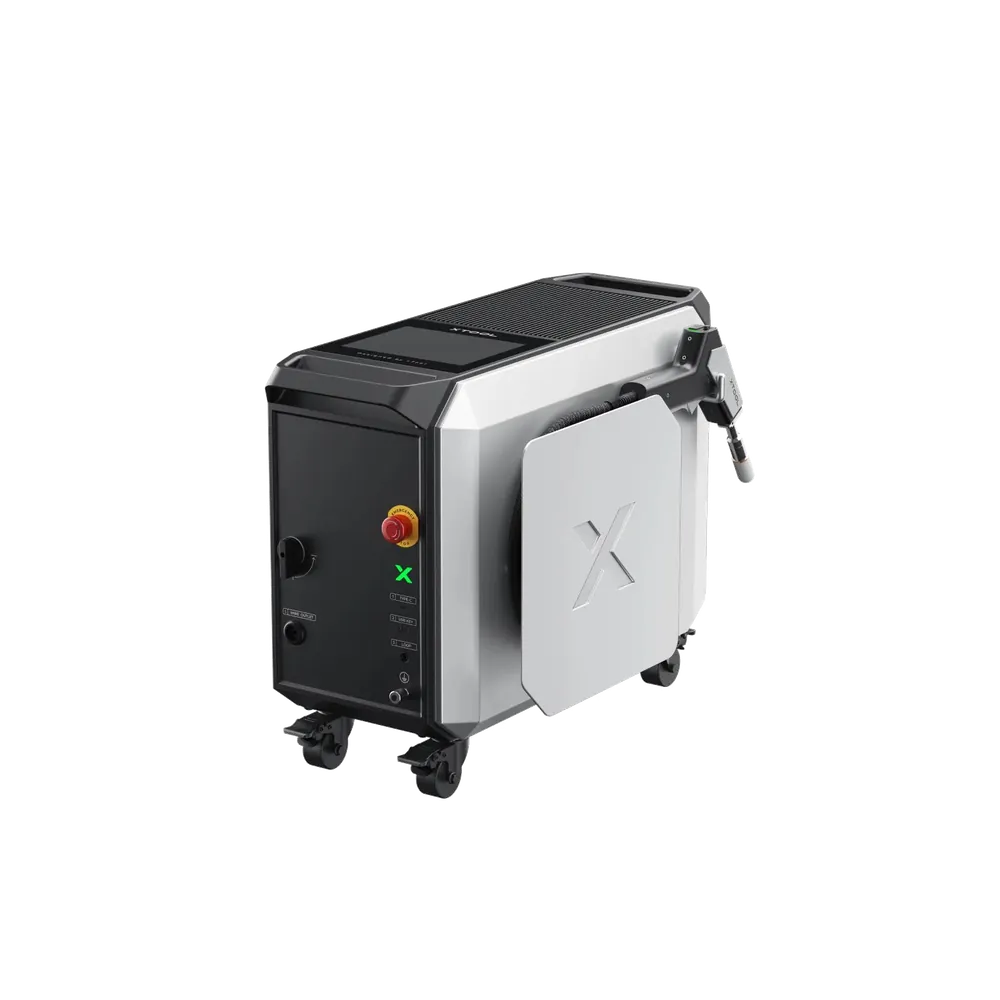
xTool MetalFab
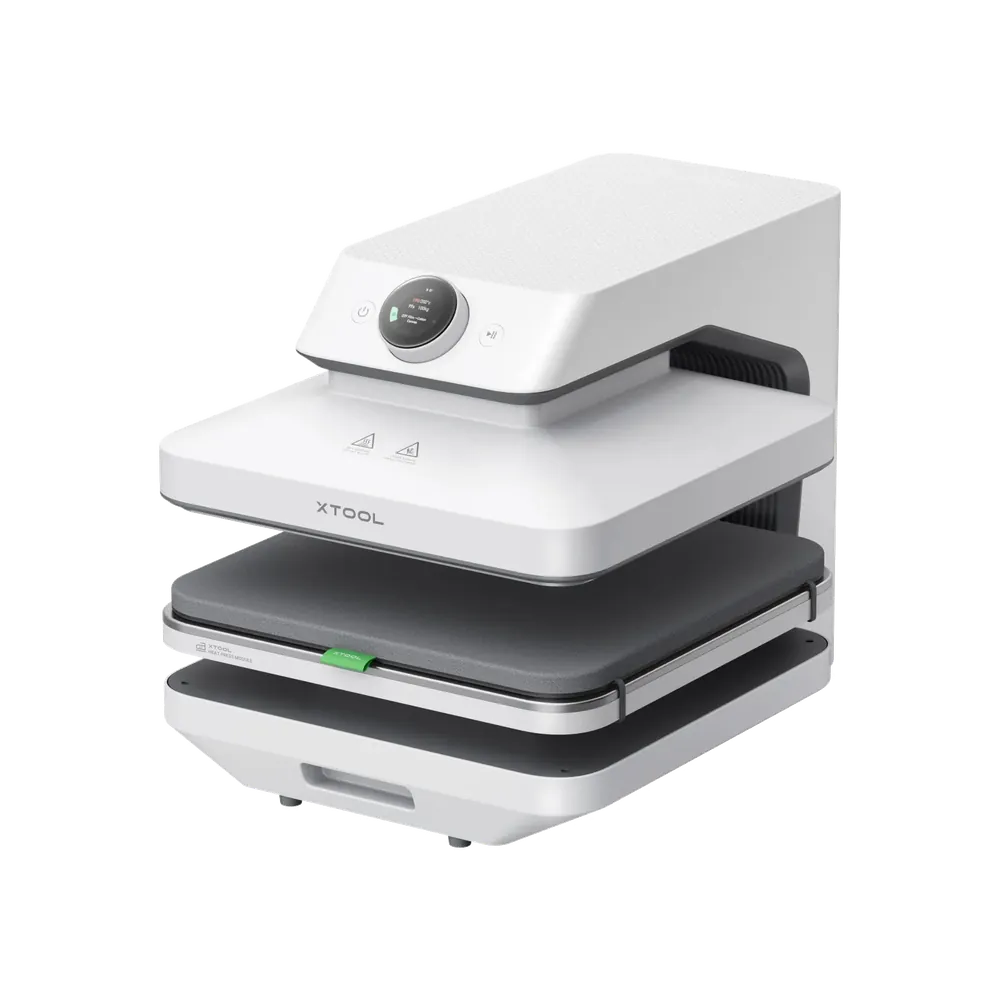
xTool WonderPress
xTool O1 Omni Printer
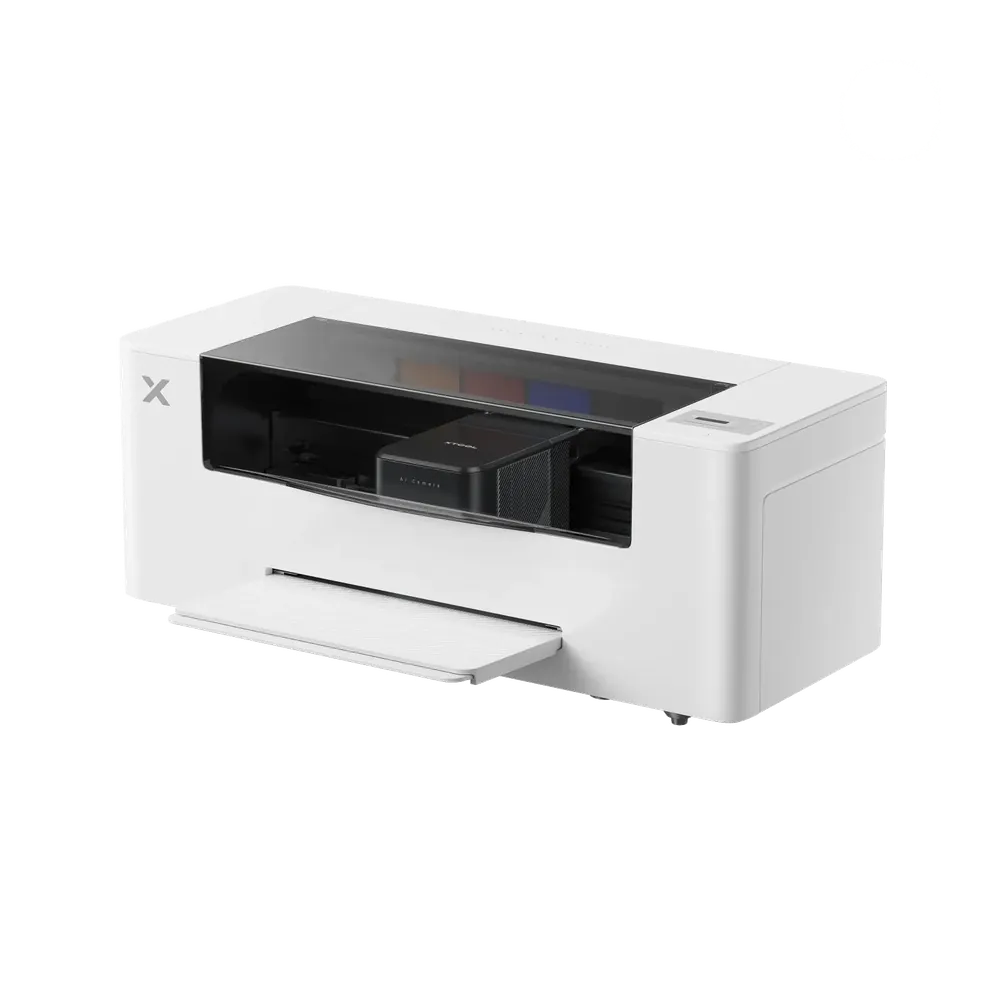
xTool Apparel Printer
xTool M2
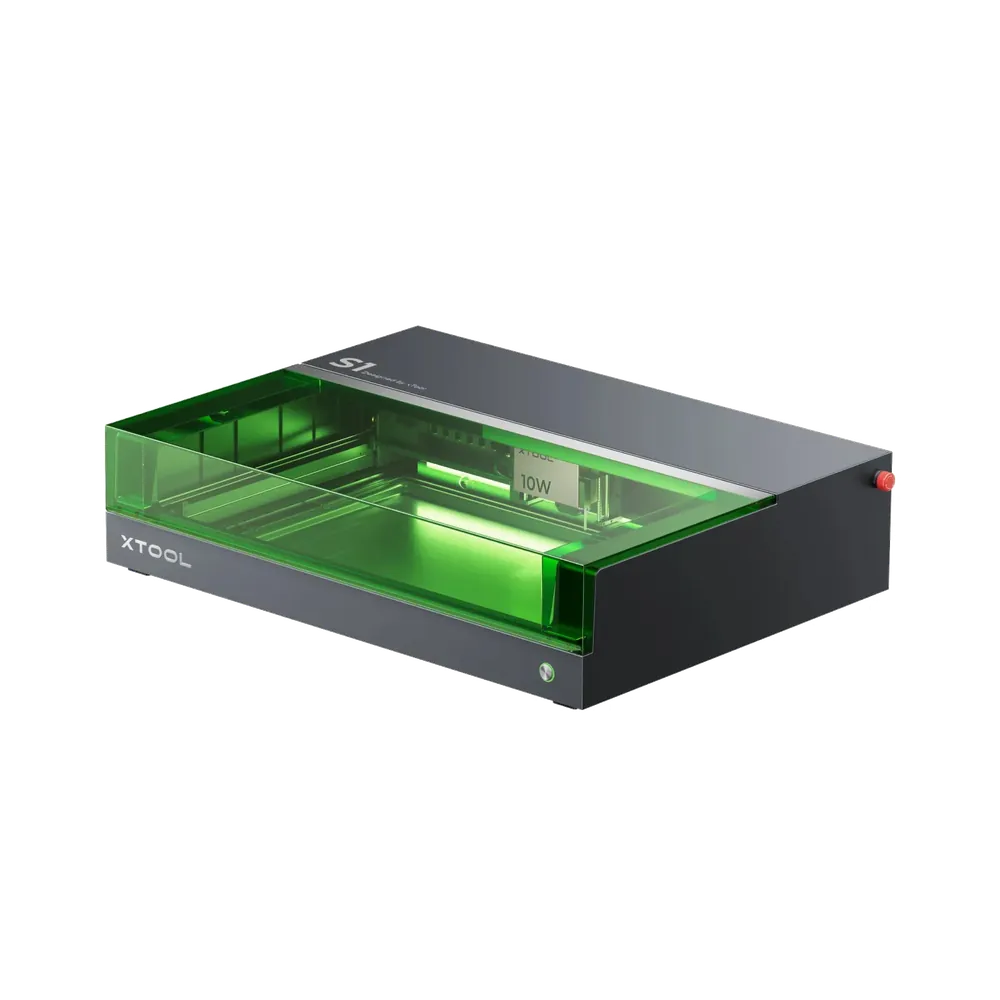
xTool S1
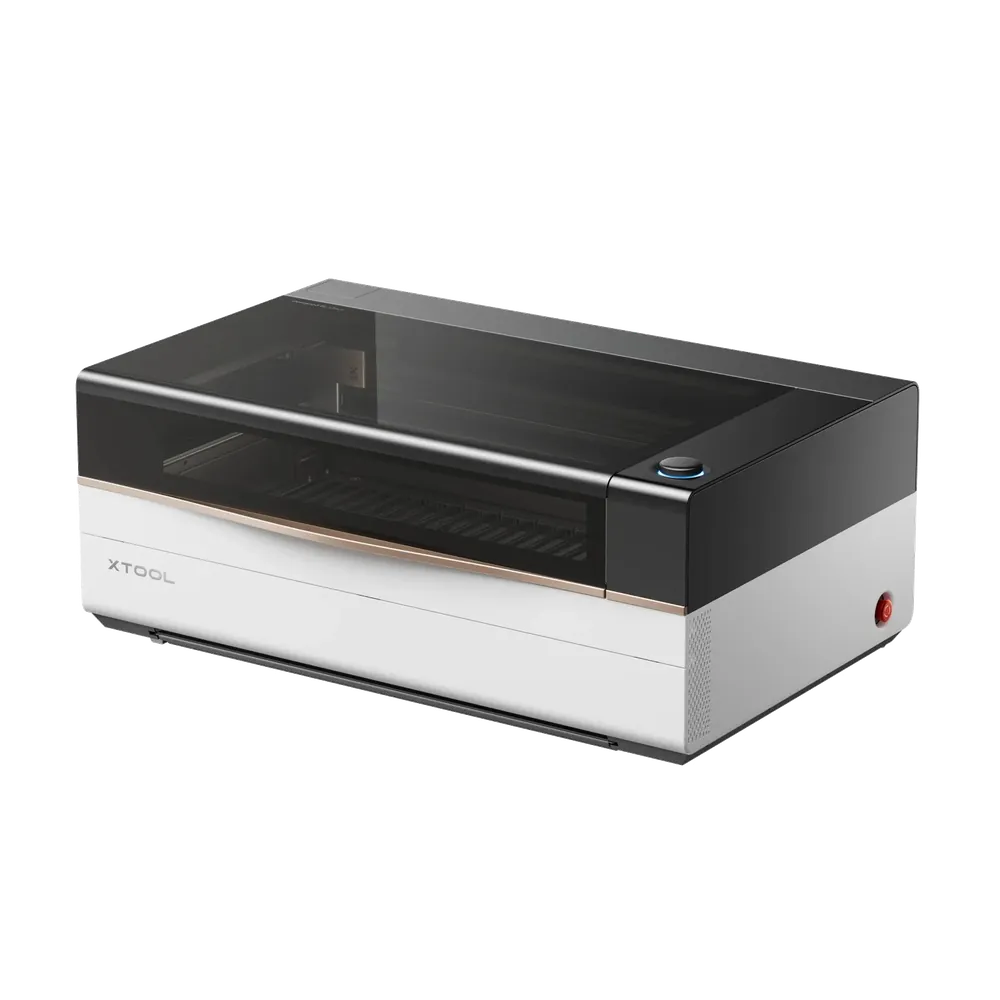
xTool P2(S)
xTool X1
xTool P3
A product photo shows what a machine looks like. These outlines show how big it is: scale outlines built from the manufacturer dimensions, all at the same scale. Put side by side they show what a spec sheet hides: between the smallest and the largest machine lies the difference between a spot on the counter and half a workbench.
Calculate, do not hope
When has the machine paid for itself?
Most payback calculators online leave out the awkward items: working time, scrap, electricity and the loss in value of the machine. That makes every machine look wonderful. This one includes all four, which is why the numbers come out soberer.
The part you sell
The share of parts that end up ruined: wrong file, material cracked, artwork misaligned. Anyone entering zero here has not produced yet. Eight per cent is realistic at the start and drops with routine.
Estimate realistically. Over-optimism is the classic mistake.
Setup, running, finishing, packing. All of it.
Only the minutes the machine is actually running. That is what the electricity bill is built from.
What running it costs
Machine, extraction, accessories and the material you start with.
How many years you write the machine off over. Five years is a common assumption in this class. What applies to you for tax purposes is a question for your accountant, not for this calculator.
Even if you operate the machine yourself, your time is the most expensive item in this calculation.
Machine and extraction together, while running. The figure is an estimate based on machine class and can be overwritten. If you own a power meter, measure it.
Your rate per kilowatt hour, including tax.
For the sake of honesty
These machines we do not have here.
We could pretend the whole range is with us. It is not. We advise you on these machines and we place the results against the ones we actually run. That is more honest than a demonstration that does not exist.
80 W and a large format, for when batches are the plan.
Laser type
CO₂, infrared optional
Power
80 W
Work area
91.5 × 45.8 cm
Note Not on site. For cut quality and handling our P2 in the Hirzenhain workshop is the closest reference, and we discuss the jump to 80 W against your own parts.
Industrial quality metal marking in a compact package.
Laser type
Fibre + diode
Power
20 W + 20 W
Optics
Galvo
Note Not on site, we do not have one. We can still place it for you: upwards against the F2 Ultra in Gedern, downwards against our discontinued F1 standing right beside it.
The press, without which DTF is only half a process.
Type
Heat press
Purpose
Fixing transfers
Role
Companion to the Apparel Printer
Current price in the official xTool shop (de.xtool.com), last checked automatically on 29/09/2026, 08:26, including VAT. Each figure is the base configuration without a bundle; options and accessories change it considerably. Only your personal quote is binding.